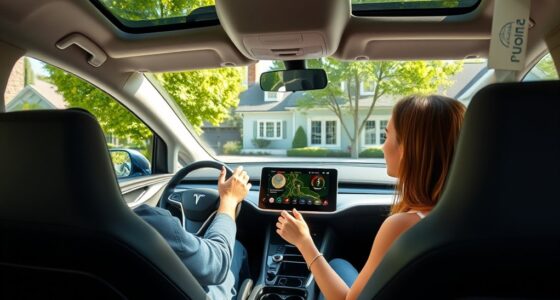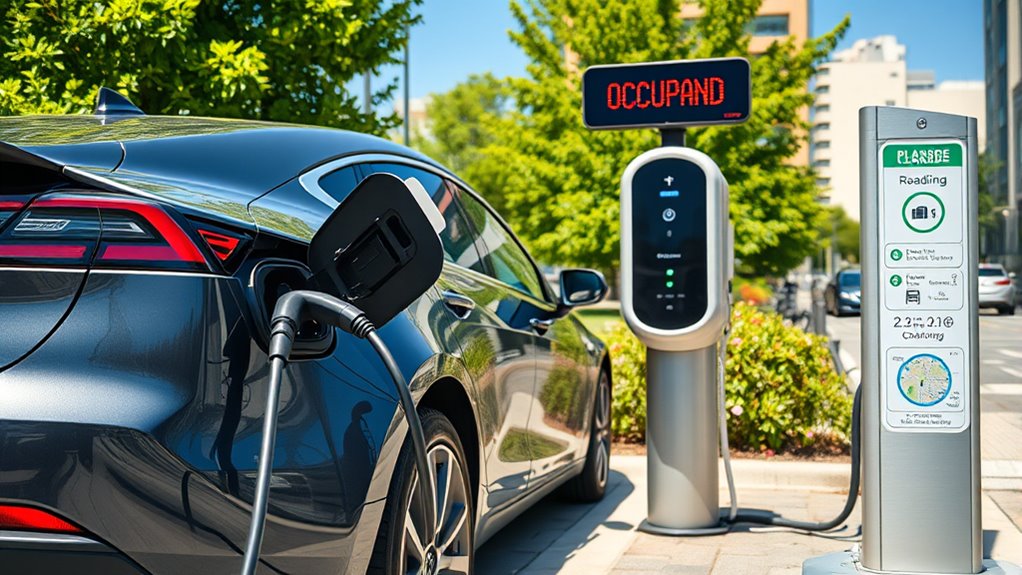

If a public EV charger is broken or occupied, first check for visible signs of malfunction or status updates in your charging app. If it’s occupied, decide whether to wait, move to a nearby station, or find an alternative. Use real-time apps to locate nearby chargers and plan ahead for backups. Keeping a list of backup stations guarantees you won’t get stranded. To learn more about effective backup strategies, continue exploring these tips.
Key Takeaways
- Use real-time apps or maps to find nearby available chargers and avoid occupied or broken stations.
- Have a list of backup charging locations, including different networks and connector types.
- Contact support or use community apps to report issues and get updates on station status.
- Consider reserving a charging slot if the station supports reservations to secure your spot.
- Plan your route with multiple charging options to ensure you can switch quickly if needed.
Recognizing When a Charger Is Out of Service or Malfunctioning

You can usually tell when a public EV charger is out of service or malfunctioning by paying attention to its display or physical indicators. If the screen shows error messages, it’s a sign something’s wrong. Look for blinking lights, red or orange warning signals, or if the station is completely dark. Some chargers have physical signage indicating they’re temporarily unavailable or out of service. Occupied chargers with vehicles parked at them might suggest they’re in use, but if no vehicle is present and the station is unresponsive, it’s likely broken. Many networks also provide mobile apps showing real-time status updates. Keep an eye on these indicators before you attempt to connect, saving you time and frustration. Additionally, visual clarity can influence how clearly the status indicators are displayed, making it easier to identify issues quickly.
Reporting Issues to the Appropriate Networks and Authorities

When encountering a malfunctioning or out-of-service public EV charger, reporting the issue promptly helps guarantee it gets repaired quickly. Use the network’s mobile app, customer service hotline, or online portal to report problems. Provide details like error codes, photos, and charger location to speed up repairs. You can also report issues via third-party apps such as PlugShare or ChargeHub, or through government resources like the Alternative Fuels Data Center. Accurate reports help maintain charging infrastructure and reduce inconvenience.
| Reporting Method | What to Include | Benefits |
|---|---|---|
| Mobile App | Error codes, photos, station details | Quick, direct reporting |
| Customer Hotline | Station info, issue description | Immediate assistance |
| Online Portal | Detailed report, location, images | Formal record, tracking |
| Third-party Apps | User reports, photos | Community-based updates |
Locating Alternative Charging Stations Nearby

If your primary charging station is unavailable or occupied, quickly locating nearby alternatives guarantees you don’t get stranded. Use mobile apps like ChargePoint, Electrify America, or Tesla’s app to find nearby stations with real-time availability. Many apps let you filter results to show only available or fast-charging options. You can also check the U.S. Department of Energy’s Alternative Fuels Data Center map for real-time charger status across the region. Real-time charger status helps you make informed decisions quickly, saving you time and frustration during your journey. Additionally, understanding free floating charging options can expand your choices when traditional stations are unavailable. Being aware of charger reliability and maintenance status can help you avoid stations that might be temporarily offline. In-car navigation systems often integrate charging station info, guiding you efficiently. Keep a list of backup stations in your area, including Level 2 chargers, in case fast chargers are busy. Staying proactive and understanding home and small-shop power options ensures you can adapt quickly, minimizing downtime and keeping your trip on track. Exploring modern charging infrastructure can further enhance your readiness for unexpected situations.
Managing Occupied Chargers and Waiting Strategies

When you find a charger occupied, it’s important to monitor its availability regularly through apps or real-time maps. Using these updates helps you decide whether to wait, move to an alternative station, or try a different charging option. Staying flexible and prepared guarantees your charging needs are met with minimal delay. Incorporating connected equipment into your routine can also help you track your charging status and optimize your overall EV experience. Additionally, understanding charger availability patterns can improve your planning and reduce wait times. Tracking parking patterns and peak usage times can further enhance your ability to find open chargers when needed, especially as smart home devices can provide insights into local usage trends and help you plan your charging schedule more effectively. Being aware of charging station usage trends can further assist in avoiding busy periods and streamline your charging process.
Monitor Charger Availability Regularly
Monitoring charger availability regularly helps you avoid frustration and save time. Keep an eye on real-time updates from mobile apps, websites, or in-car displays to see if a station is occupied or out of service. Many networks provide live status reports, so check before heading there. Setting up alerts or notifications can notify you when a charger becomes available, especially during busy times. If you see a charger is occupied, consider waiting nearby or relocating to a different station. Staying informed about current conditions ensures you don’t waste time arriving only to find the charger unavailable. Regularly checking availability keeps your charging plans flexible and helps you find alternatives quickly, reducing stress and keeping your trip on track. Incorporating thermal behavior understanding can also help anticipate how long a charger might remain occupied based on usage patterns.
Use Apps for Updates
Using apps to get real-time updates on charger status can considerably reduce your wait times and frustration. These apps provide live data on whether chargers are available, occupied, or out of service, helping you plan more efficiently. To make the most of them:
- Check the charger’s current status before heading to the station.
- Review recent user reports for insights on wait times or issues.
- Use estimated wait times to decide whether to wait or find an alternative.
- Monitor notifications for alerts about charger availability or outages.
Keep in mind that some apps also show nearby chargers, so you can quickly pivot if your first choice is busy or unavailable. Relying on these updates helps you save time and avoid unnecessary detours.
Explore Alternative Charging Options
Occupying a public EV charger can be frustrating, but there are practical strategies to manage the situation effectively. First, check your mobile app or station signage for estimated wait times or recent occupancy reports. If someone is occupying the charger, consider waiting patiently or moving to another nearby station. Use your navigation app or charging network maps to locate alternative chargers quickly—preferably Level 2 or other fast chargers. If the station is blocked by a non-EV vehicle, politely notify the property management or charging network support if possible. Keep a list of backup charging locations for future trips, and consider using destination chargers at shopping centers or hotels. Staying flexible and prepared guarantees you won’t be stranded without power. Additionally, understanding industry trends can help you anticipate changes in charging station availability and plan accordingly.
Preparing for Unexpected Charging Station Downtime
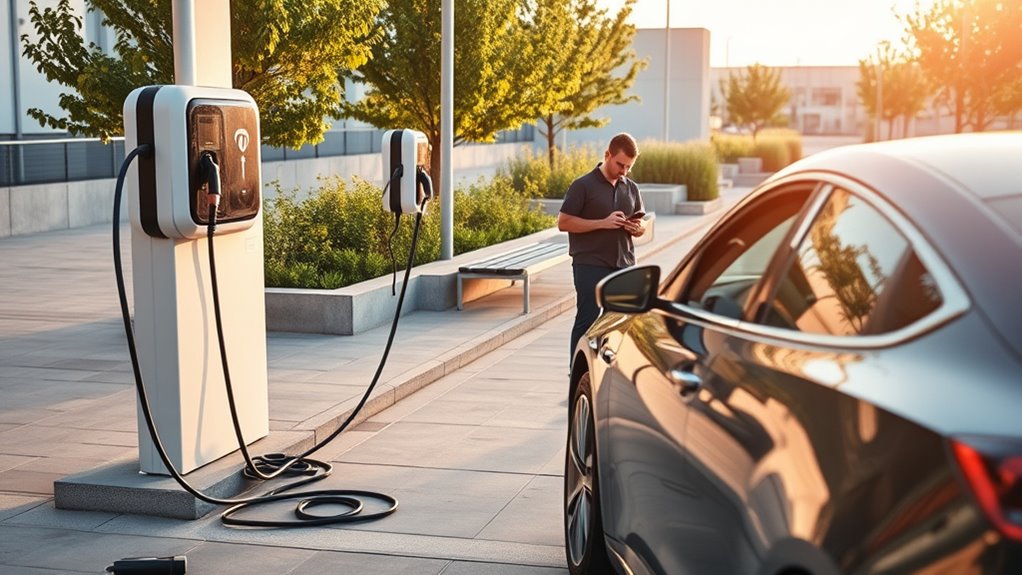
Unexpected charging station downtime can disrupt your travel plans, so it’s essential to prepare in advance. Start by identifying multiple charging options along your route, ensuring you won’t be stranded if one station fails. Keep a list of backup chargers, including different networks and connector types, so you can quickly find alternatives. Use live apps and real-time maps to monitor station status before arriving, reducing the risk of wasting time at faulty chargers. Additionally, carry portable charging accessories, like Level 1 chargers or adapters, to extend your options. Staying aware of station status updates through network notifications or community reports can help you make quicker, more informed decisions when plans change unexpectedly. Regularly checking real-time information can further improve your ability to adapt on the go. Familiarize yourself with time zone differences in the areas you travel through, as this can impact your planning and charging schedules. Being aware of public charger reliability can help you anticipate potential issues before they occur. Finally, stay informed about station outages through network notifications or community reports, so you can adapt your plan on the fly and maintain your travel schedule without stress.
Tips to Maximize Your Chances of Successful Charging

To increase your chances of successful charging, plan ahead by arriving during off-peak hours when stations are less crowded. This reduces wait times and helps you secure a spot quickly. Use mobile apps or your vehicle’s navigation system to check real-time station status before heading out, so you avoid busy or out-of-service chargers. If your network offers reservations, book a slot in advance to guarantee access. Consider charging at destinations like shopping centers or hotels that allow longer parking, giving you flexibility. Keep a list of nearby backup stations in case your first choice is occupied or broken. Finally, carry adapters and portable chargers to stay prepared for unexpected issues, ensuring you can charge even in less-than-ideal situations. Additionally, understanding the charging station types and their compatibility can help you select the best options for your vehicle. Being familiar with the different power levels available can also help you plan your stops more efficiently. Familiarity with network coverage and service reliability can also prevent last-minute surprises during your trips. Recognizing the importance of luxury craftsmanship in high-end charging stations can enhance your overall experience. Knowing about accessibility features at charging stations can further improve convenience and safety for all users.
Planning Your Charging Route With Backup Options

Planning your charging route with backup options guarantees you won’t get stranded if your primary station is unavailable. To do this effectively:
- Map out multiple nearby chargers, including Level 2 and fast chargers, before your trip.
- Use real-time apps from networks like ChargePoint or Tesla to check availability en route.
- Identify alternative locations such as shopping centers, hotels, or public parking areas with charging stations.
- Keep contact information for support services and local authorities handy if issues persist.
- Familiarize yourself with safe installation practices and proper load calculations to ensure backup options are reliable and safe. Additionally, understanding network reliability can help you select the most dependable backup stations.
Frequently Asked Questions
How Can I Verify if a Charger Is Truly Out of Service?
You can verify if a charger is truly out of service by checking the network’s mobile app, which often provides real-time status updates. Look for error messages or out-of-service indicators on the station itself, such as signage. Additionally, consult online maps from government or charging networks, and read recent user reports for current information. If unsure, contact customer support for confirmation before arriving.
Are There Apps That Show Real-Time Charger Availability Across Multiple Networks?
Imagine arriving at a charging station and seeing it’s free—luckily, apps like PlugShare, ChargePoint, and Electrify America show real-time charger availability across multiple networks. You can filter results to find only available fast chargers or Level 2 stations nearby. These apps sync with your vehicle’s navigation, saving you time and frustration. Keep them handy—your ultimate tools for avoiding waiting or driving around aimlessly.
What Should I Do if My Vehicle Is Incompatible With Available Chargers?
If your vehicle’s incompatible with available chargers, first check for adapters compatible with your car’s connector type. Use mobile apps or navigation systems to locate Level 2 chargers or alternative stations that match your vehicle’s plug. Consider carrying a universal charging adapter to expand your options. If no suitable options are nearby, plan ahead by identifying backup charging stations or portable chargers, so you’re prepared in advance.
How Can I Report Persistent Non-Ev Parking Issues at Charging Stations?
Did you know that over 30% of EV drivers report difficulty with non-EV parking at charging stations? To report persistent issues, use your network’s app or online portal to submit detailed reports, including photos and error codes. You can also call customer service or report problems through third-party apps like PlugShare. Staying proactive helps authorities and networks address these issues faster, improving charging access for everyone.
What Are the Best Backup Charging Options During Long Trips?
During long trips, your best backup charging options include planning routes with multiple charging stations, including Level 2 chargers and destination chargers at hotels or shopping centers. Carry adapters for different connectors, and use apps or in-car navigation to find nearby available stations. Consider portable chargers or Level 1 charging for emergencies. Always identify backup locations beforehand, so you’re prepared if your primary charger is unavailable or occupied.
Conclusion
Next time you find a charger out of service or busy, remember you’re not powerless. By staying prepared with backup stations and knowing how to report issues, you can keep your plans on track. Isn’t it better to have a plan B than to get stranded? Stay proactive, keep your apps updated, and always scout for nearby options. With a little planning, you’ll keep your EV journeys smooth, no matter what hurdles come your way.