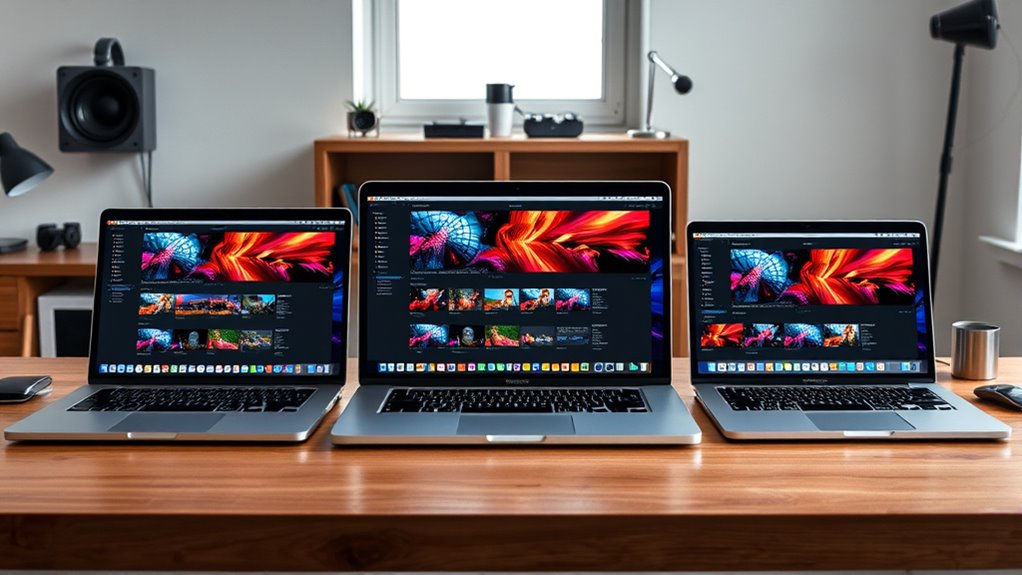

If you’re looking for the best MacBook Pro models for video editing in 2025, I recommend the 2024 MacBook Pro with the M4 Max for top power and performance, especially with its high-end CPU and GPU. The new 2025 MacBook Pro with the M5 chip offers great performance and portability, perfect for on-the-go editing. For a balanced option, the 14-inch M5 model combines power with a compact design. Keep exploring to find out which suits your workflow best.
Listen free for 30 days with Audible
Thousands of audiobooks and originals — cancel anytime.
As an affiliate, we earn on qualifying purchases.
Key Takeaways
- The Apple 2024 MacBook Pro with M4 Max offers top-tier power for intensive video editing tasks and excellent display quality.
- The 2025 MacBook Pro with M5 chip balances high performance with enhanced AI features, ideal for demanding workflows.
- Both models provide high-resolution Liquid Retina XDR displays with true-to-life color and HDR support for accurate editing.
- Portability is optimized in 14-inch models, combining lightweight design with robust processing and long battery life.
- Multiple connectivity options like Thunderbolt 5 and HDMI ensure seamless external device and storage integration for professional editing.
Apple 2024 MacBook Pro with M4 Max Laptop
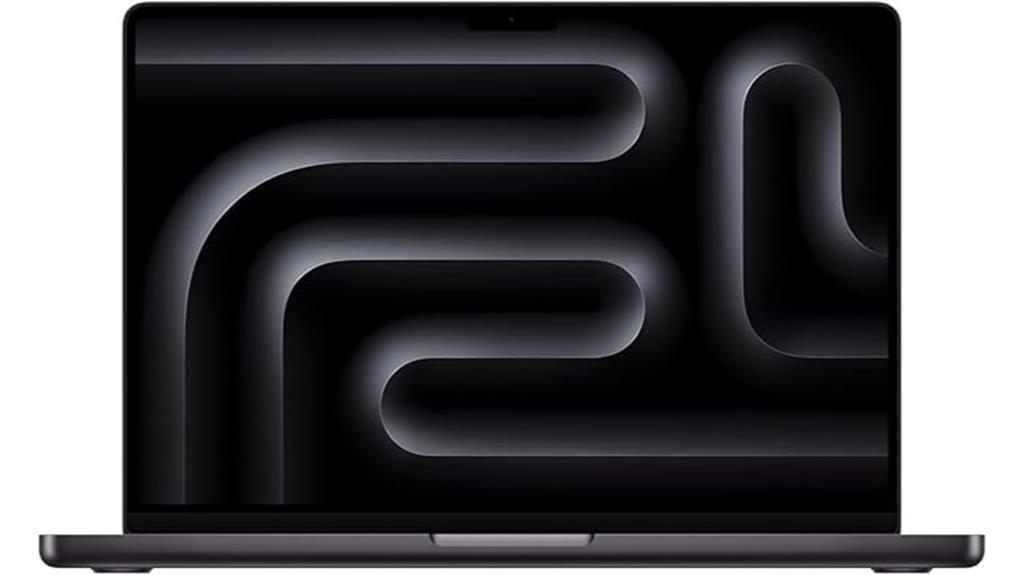
If you’re serious about professional video editing, the 2024 MacBook Pro with M4 Max is hard to beat. It packs a powerful 14-core CPU and 32-core GPU, handling demanding tasks like 3D rendering and intensive workflows with ease. The 14.2-inch Liquid Retina XDR display delivers vibrant visuals, deep blacks, and up to 1600 nits of brightness, perfect for creative work. With 36GB of unified memory and a 1TB SSD, multitasking feels seamless. Designed for all-day use and seamless Apple ecosystem integration, this MacBook Pro is a sleek, high-performance powerhouse for video editors who demand the best.
Best For: professional video editors and creative professionals who need high-performance computing and stunning visual displays.
Pros:
- Exceptionally powerful with M4 Max chip, ideal for intensive workflows like 3D rendering and video editing.
- Bright, vibrant 14.2-inch Liquid Retina XDR display with high contrast and peak brightness for accurate color work.
- Seamless integration within the Apple ecosystem and robust connectivity options, including Thunderbolt 5 and HDMI.
Cons:
- Premium price point may be prohibitive for casual users or those on a budget.
- Limited to a 1TB SSD by default, which might require upgrades for users with large storage needs.
- The sleek design and high-end features could impact portability and battery life in real-world usage.
Apple MacBook Pro 2025 Laptop with M5 Chip
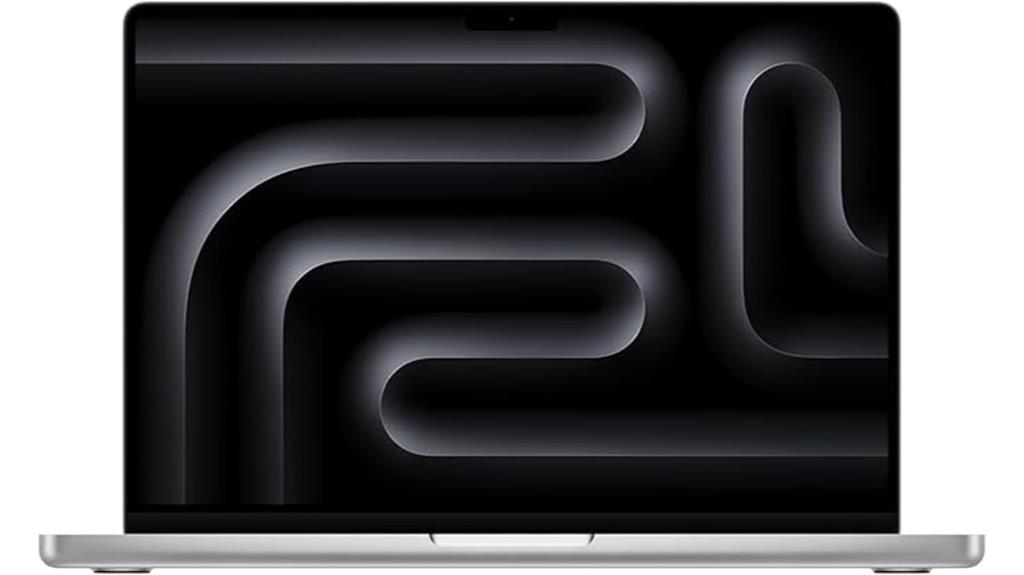
The Apple MacBook Pro 2025 with the M5 chip is an excellent choice for professional video editors who need powerful performance in a portable package. It features a 10-core CPU, 10-core GPU, and Neural Accelerator, delivering next-generation speed and AI capabilities for faster workflows. With 16GB of unified memory and a 1TB SSD, multitasking and large project storage are seamless. The 14.2-inch Liquid Retina XDR display offers stunning visuals with high brightness and contrast. Its all-day battery life, advanced camera, immersive sound system, and extensive connectivity options make it ideal for creative professionals on the go.
Best For: Creative professionals and video editors seeking a powerful, portable MacBook Pro with advanced display and AI capabilities.
Pros:
- High-performance 10-core CPU and GPU combined with Neural Accelerator for fast workflows
- Stunning 14.2-inch Liquid Retina XDR display with exceptional brightness and contrast
- Seamless integration with Apple ecosystem and extensive connectivity options
Cons:
- Premium price point may be a barrier for some users
- Limited to two external displays, which might be restrictive for highly demanding multi-monitor setups
- Heavier than ultraportable laptops, potentially less ideal for very frequent travelers
Apple MacBook Pro 14-inch with M5 Chip
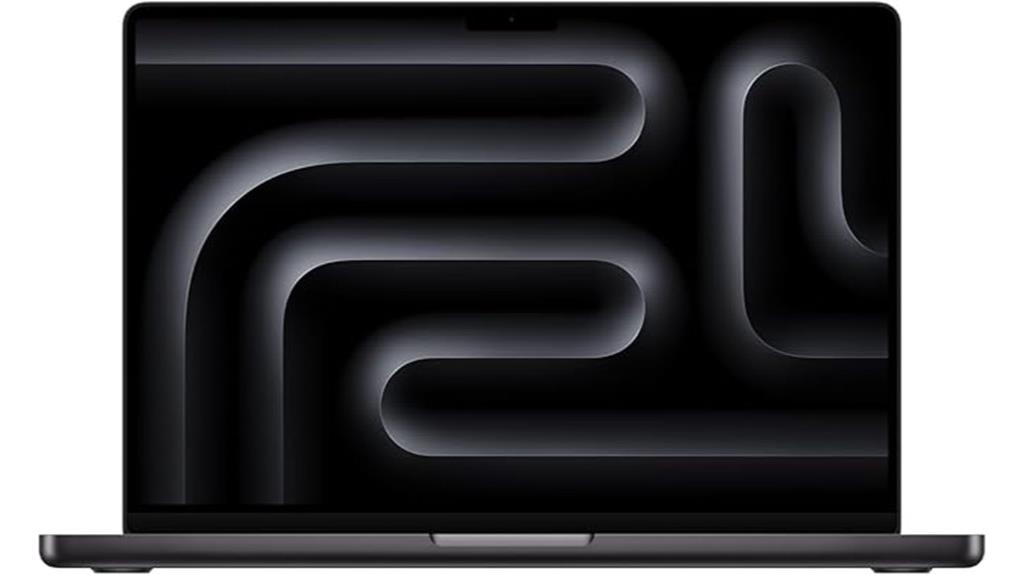
Looking for a MacBook Pro that can handle demanding video editing tasks with ease? The 14-inch MacBook Pro with M5 chip is a powerhouse. It features a 10-core CPU and GPU, plus Neural Accelerators, for lightning-fast performance and AI enhancements. With 16GB of unified memory and a 512GB SSD, it offers smooth multitasking and quick data access. The Liquid Retina XDR display delivers vibrant visuals with up to 1600 nits of brightness and a stunning contrast ratio. Seamless connectivity includes three Thunderbolt 4 ports, HDMI, SDXC slot, and MagSafe, making it ideal for professional workflows. It’s designed for power, portability, and creative excellence.
Best For: Creative professionals and power users who need a portable, high-performance laptop for demanding video editing, AI tasks, and multimedia work.
Pros:
- Exceptional performance with 10-core CPU and GPU, ideal for intensive tasks
- Stunning Liquid Retina XDR display with high brightness and contrast for vivid visuals
- Extensive connectivity options including Thunderbolt 4, HDMI, SDXC, and MagSafe for professional workflows
Cons:
- Premium price point may be a barrier for some users
- Limited to 16GB unified memory, which may be insufficient for very heavy multitasking or large projects
- Battery life, while robust, may vary depending on workload and usage conditions
Factors to Consider When Choosing a Macbook Pro for Video Editing
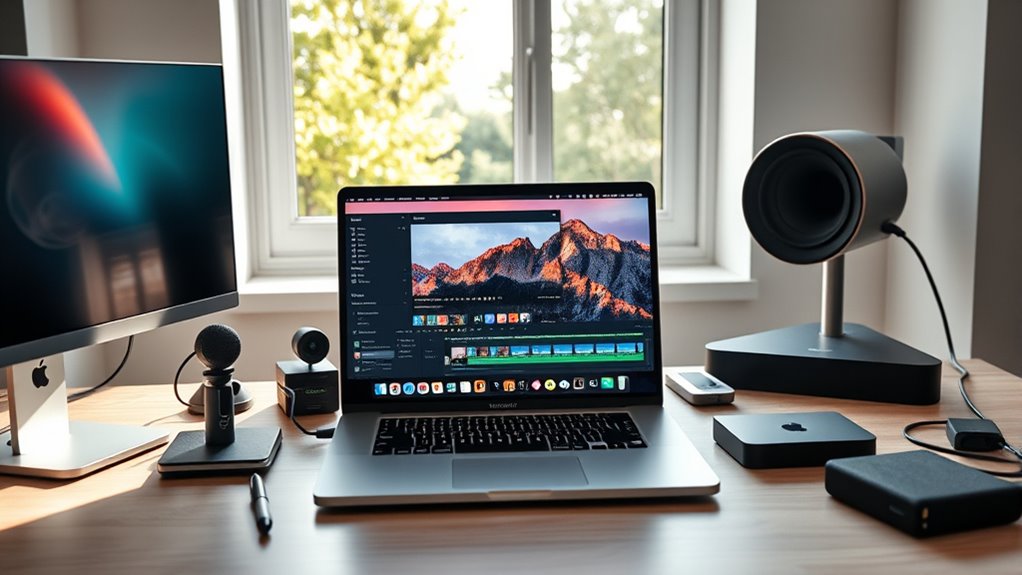
When choosing a MacBook Pro for video editing, I consider several key factors to guarantee it meets my needs. I look at processing power, display quality, graphics capabilities, storage, and battery life to find the best fit. Understanding these points helps me make an informed decision for smooth, efficient editing.
Processing Power Needs
Choosing the right MacBook Pro for video editing hinges on understanding its processing power, which directly impacts performance. A powerful processor like Apple’s M4 Max or M5 chips with multiple cores and advanced neural engines guarantees fast rendering and smooth workflow. At least a 14-core multi-core CPU can considerably cut rendering times and support real-time playback of high-resolution videos. A robust GPU, such as a 32-core or 10-core model, boosts rendering speeds and handles complex visual effects effortlessly. Ample RAM—ideally 16GB or more—is vital for handling large files and multitasking without lag. Fast storage options like 1TB SSDs allow quick access to media files and efficient data transfer. Prioritizing processing power ensures your MacBook Pro can meet demanding video editing tasks efficiently.
Display Quality Standards
A high-quality display is vital for accurate and efficient video editing on a MacBook Pro. It needs to deliver high resolution, vibrant colors, and precise color reproduction to see every detail clearly. Look for a display with a high contrast ratio and peak brightness, such as 1600 nits, to distinguish highlights and shadows effectively. A wide color gamut, like P3, ensures colors are true-to-life and vibrant, which is indispensable for color grading. An advanced Retina or Liquid Retina XDR screen offers sharpness, clarity, and reduced eye strain during long editing sessions. Support for HDR and Dolby Vision is also important for previewing high dynamic range content accurately. These display standards help make sure your work is precise, reliable, and visually stunning.
Graphics Capabilities
A powerful GPU is vital for smooth video editing, as it accelerates rendering, effects processing, and playback. The M4 Max chip’s 32-core GPU considerably boosts performance, making tasks like color grading and 3D compositing more efficient. Higher GPU core counts improve real-time effects and enable faster encoding, decoding, and exporting of high-resolution files. Support for up to four external displays with the M4 Max allows for expanded multi-screen workflows, essential for detailed editing sessions. Liquid Retina XDR displays with high brightness and contrast ensure accurate color representation, helping you see true-to-life footage. Optimized graphics hardware reduces rendering times and ensures seamless playback, ultimately saving you time and elevating your editing experience. Choosing a MacBook Pro with robust graphics capabilities is key to professional video production.
Storage Requirements
Have you ever faced delays because your storage was too limited for large video files? If so, you’ll appreciate the importance of ample storage for video editing. Working with 4K or higher resolution footage can quickly eat up hundreds of gigabytes, so a minimum of 1TB SSD is recommended. This ensures you can store project files, media libraries, and software without constantly relying on external drives. Faster SSDs also matter—they cut down wait times during importing, exporting, and rendering, boosting efficiency. As your projects grow, consider opting for 2TB or more to future-proof your setup. Adequate storage isn’t just about space; it’s about keeping your workflow smooth and uninterrupted, especially when handling large files and complex edits.
Battery Performance
When choosing a MacBook Pro for video editing, battery performance is a crucial factor to consider. A high-capacity battery allows for longer sessions without frequent recharges, which is essential during on-the-go editing. Models with the M4 Max chip are designed to provide all-day battery life, even during intensive workflows. Keep in mind that display brightness impacts power consumption—higher brightness levels drain the battery faster. Thankfully, macOS includes power optimization features that help conserve energy by managing background processes and display settings. Being able to run demanding editing software efficiently on battery power is indispensable for maintaining an uninterrupted workflow when away from power sources. Overall, a robust battery ensures you can work seamlessly without constant concerns about recharging.
Connectivity Options
Choosing the right connectivity options is vital for seamless video editing on a MacBook Pro. Multiple ports like Thunderbolt, HDMI, and SDXC card slots make transferring large files and connecting accessories straightforward. Thunderbolt 4 ports support blazing-fast data transfer rates of up to 40Gbps, indispensable for working with 4K and 8K videos. An SDXC card slot allows direct import of footage from professional cameras without needing adapters, saving time. HDMI ports enable quick connection to external displays, perfect for multi-monitor setups. A dedicated headphone jack provides direct audio monitoring without interrupting your workflow or requiring extra adapters. These connectivity options ensure smooth data handling, efficient multitasking, and easy integration with professional equipment, making your video editing process more efficient and less frustrating.
System Compatibility
Selecting the right MacBook Pro for video editing means paying close attention to system compatibility. First, verify it has a powerful processor like the M4 Max or M5 chip, which handles high-resolution footage seamlessly. The display should be a high-brightness Liquid Retina XDR with accurate color reproduction, essential for precise editing. Adequate RAM—36GB or more—is critical for multitasking and processing large files efficiently. Storage capacity also matters; at least 1TB SSD ensures you can store sizable projects locally. Additionally, check if the MacBook supports multiple external displays—up to four with M4 Max or two with M4 Pro—to expand your workspace. These factors guarantee your MacBook Pro can meet demanding editing needs while maintaining smooth performance.
Portability and Size
Since portability is essential for many video editors, the size and weight of a MacBook Pro can considerably influence your workflow. A smaller, lightweight model like the 14-inch is easier to carry, making it perfect for on-the-go editing and quick setups in different locations. Larger models, such as the 16-inch, offer a bigger display that enhances comfort during long editing sessions but are less portable. The compact size of a portable MacBook Pro allows for faster setup, giving you more flexibility to work anywhere. When choosing, consider how the device fits into your bag or carrying case, especially if you travel frequently. Importantly, powerful chips like the M4 Max or M5 ensure that portability doesn’t compromise performance, striking a great balance between mobility and capability.
Frequently Asked Questions
How Does Battery Life Impact Long Editing Sessions?
Battery life really impacts my long editing sessions because I rely on my MacBook Pro to stay powered through hours of work. When the battery drains quickly, I have to find a charger or take breaks, which slows me down. A longer-lasting battery lets me edit seamlessly without interruptions, making my workflow smoother and more efficient. That’s why I always prioritize models with excellent battery performance.
Are There Significant Differences in Display Quality Between Models?
Oh, absolutely, the display quality varies wildly—because who doesn’t want their pixels to pop or their shadows to be dull? I’ve noticed that newer MacBook Pros pack brighter, more vibrant screens with higher resolutions, making editing a joy. The difference is significant enough to make you think about your eyes, not just your project. Trust me, a better display can turn a good edit into a stunning masterpiece.
Can Older Macbook Pro Models Handle 8K Video Editing?
Older MacBook Pro models can handle 8K video editing, but with some limitations. I’ve found they might struggle with rendering and playback smoothness compared to newer models, especially during intensive tasks. If you’re working frequently with 8K footage, investing in a recent MacBook Pro with a more powerful GPU and higher RAM is worth it. For occasional editing, an older model can suffice but may slow you down.
What Accessories Are Recommended for Optimal Video Editing?
For ideal video editing, I recommend investing in a good external monitor for accurate colors, a high-quality external SSD for fast storage, and a calibrated color calibration tool to guarantee true colors. A sturdy, ergonomic mouse or trackpad makes editing smoother, and a reliable set of headphones helps with audio work. Don’t forget a good cooling pad to keep your MacBook Pro running efficiently during intensive editing sessions.
How Does Thermal Management Affect Performance During Intensive Tasks?
Ever wondered how thermal management impacts performance during intense tasks? It’s vital because efficient cooling prevents overheating, which can throttle your CPU and GPU speeds. I’ve noticed that when my MacBook Pro manages heat well, it maintains peak performance longer, especially during rendering or editing large files. Poor thermal management leads to slower processing, crashes, or even hardware damage. Keeping temperatures in check ensures smooth, uninterrupted video editing sessions.
Conclusion
No matter which MacBook Pro you choose, you’re stepping into a world of unstoppable power and blazing-fast performance that’ll make your video editing dreams a reality. These models are practically supercomputers in sleek packaging, transforming even the most complex projects into a breeze. So, go ahead—grab the best, and watch your creativity explode in ways you never thought possible. With one of these, you’re not just editing; you’re revolutionizing your entire workflow!
Evergreen bestsellers Picks
bestsellers
As an affiliate, we earn on qualifying purchases.