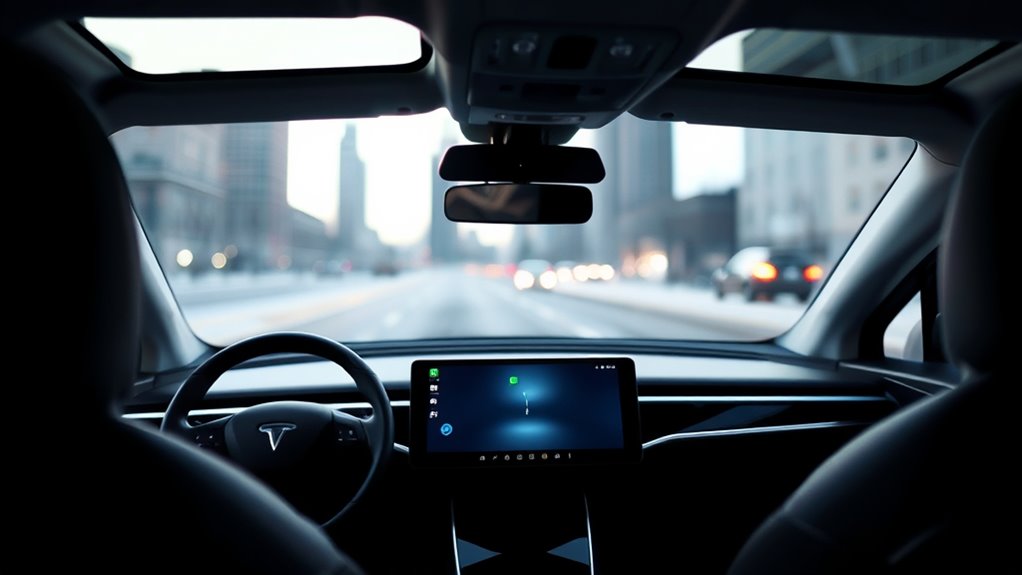

If your EV’s screen freezes, start by performing a soft reboot, which usually involves pressing and holding specific buttons or turning the vehicle off and on again. Make sure your software is up to date and consider recalibrating the touchscreen if responsiveness issues persist. Regular updates and reboots can prevent recurring problems. If issues continue, it’s best to consult your owner’s manual or contact a professional—more tips follow to guarantee your system stays reliable.

Get backup power and energy gear delivered free with Prime
- Fast, free delivery on millions of items
- Prime Video, Amazon Music and more included
- Member-only deals all year
Key Takeaways
- Perform a soft reboot by pressing and holding specific buttons as outlined in your owner’s manual.
- Use the vehicle’s settings or connected app to check for and install the latest software updates.
- If unresponsive, turn off the vehicle completely, wait a few moments, then restart to clear temporary glitches.
- Follow manufacturer instructions for calibration if the touchscreen remains unresponsive or misaligned.
- Contact your dealership or EV support if the screen freeze persists after rebooting and updating.
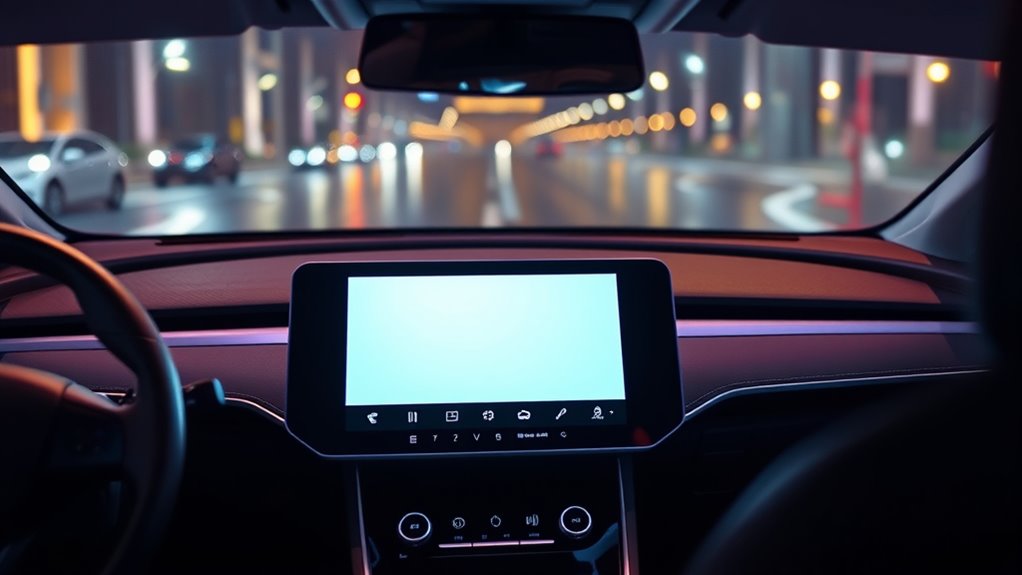
If your electric vehicle’s screen freezes, it can be frustrating and potentially dangerous while driving. The touchscreen is your main interface for navigation, climate control, and other essential functions, so when it becomes unresponsive, your ability to operate the car safely is compromised. The good news is that most software issues causing screen freezes can be resolved with some simple troubleshooting steps. One common solution involves rebooting the car’s software, but before doing that, it’s important to consider the role of software updates and touchscreen calibration.
Software updates play a vital role in maintaining your EV’s system stability. Manufacturers regularly release updates to fix bugs, improve performance, and enhance features. If your screen freezes frequently, it could be due to outdated software. Checking for and installing the latest updates can often resolve underlying issues that cause the touchscreen to become unresponsive. You can usually do this through the vehicle’s settings menu or via a connected app. Keeping your software current ensures compatibility with other vehicle systems and minimizes glitches.
Regularly updating your EV’s software helps prevent glitches and keeps your system running smoothly.
Sometimes, the touchscreen itself may need recalibration to restore proper responsiveness. If your screen appears misaligned or unresponsive in certain areas, recalibrating it might fix the problem. Many EVs include touchscreen calibration within their settings menu. Follow the manufacturer’s instructions to recalibrate—this typically involves tapping specific points on the screen or following guided prompts. Proper calibration ensures that your inputs register correctly, reducing the chances of freezing or unresponsiveness caused by touch inaccuracies.
When your screen freezes, the most straightforward step is to perform a soft reboot of the vehicle’s software. This process usually involves pressing and holding specific buttons, such as the power button or a combination of controls, for several seconds until the system restarts. Some vehicles automatically reboot when you turn the car off and on again, but a manual reset might be necessary if the screen remains unresponsive. It’s best to consult your owner’s manual for precise instructions tailored to your EV model. Performing this reboot clears temporary glitches and often restores normal operation. Regularly software maintenance can help prevent recurring issues and keep your vehicle running smoothly.
If problems persist after rebooting and updating your software, consider checking the touchscreen calibration. A miscalibrated screen might seem frozen or unresponsive in certain areas. Recalibrating helps the system accurately detect your touch inputs. Remember, if you’re unsure about the process or if the issue continues despite these steps, contacting your dealership or EV support service is advisable. They can provide guidance, perform more advanced diagnostics, or arrange for repairs if necessary. In many cases, understanding how to properly reboot your car’s software and keep your system updated will keep your EV running smoothly and ensure your safety on the road.
As an affiliate, we earn on qualifying purchases.
Frequently Asked Questions
Can a Frozen Screen Affect My Vehicle’s Safety Features?
A frozen screen can impact your vehicle’s safety features if it causes issues with dashboard calibration or touchscreen sensitivity. You might miss critical alerts or fail to activate safety systems properly. To avoid this, reboot your car’s software safely, ensuring all safety features function correctly. Regular maintenance and software updates help prevent these problems, keeping your EV’s safety systems responsive and reliable when you need them most.
Is It Necessary to Disconnect the Car Battery to Reboot?
Think of your EV’s battery disconnection as a sudden power outage during a movie—sharp but sometimes necessary. No, you don’t always need to disconnect the battery for an alternative reset; many vehicles allow soft resets through touchscreen menus or steering wheel buttons. Disconnecting the battery should be a last resort, so consult your owner’s manual or a professional to guarantee you reboot safely without risking other systems.
How Often Should I Reset My Ev’s Software?
You should reset your EV’s software only when necessary, like after a screen freeze or a software update. Regular resets aren’t needed, but using diagnostic tools can help identify issues early. If you notice frequent glitches, consult your vehicle’s manual or dealer. Resetting too often may cause more problems. Keep your software updated and perform resets sparingly to maintain peak performance and avoid unnecessary risks.
Will Rebooting Erase My Personal Settings or Data?
Rebooting your EV’s software typically won’t erase your personal data or customization settings. Most vehicles save your preferences like seat positions, mirror adjustments, and navigation favorites separately from the system’s core software. However, it’s a good idea to double-check your owner’s manual or contact your dealer before rebooting, especially if your car has recent updates or unique features. Rest assured, a reboot usually refreshes the system without affecting your personal data.
What Signs Indicate a Software Issue Beyond a Frozen Screen?
Did you know that nearly 30% of EV owners experience software glitches? Signs you should suspect a software issue beyond a frozen screen include unresponsive controls, erratic instrument clusters, or unexpected shutdowns. Running a system diagnostics or checking for pending software updates can help identify underlying problems. If these symptoms persist, it’s best to consult your vehicle’s manual or visit a service center to guarantee safety and proper function.
electric vehicle software update kit
As an affiliate, we earn on qualifying purchases.
As an affiliate, we earn on qualifying purchases.
Conclusion
So, next time your EV’s screen freezes, remember: rebooting might just save the day—and your patience. Ironically, it’s often the simplest fix that feels the most complex when you’re stuck staring at a frozen display. Instead of panicking, take a deep breath and follow the steps. After all, in a world obsessed with smart tech, sometimes the smartest move is just turning it off and on again—just like your favorite gadgets.
As an affiliate, we earn on qualifying purchases.
As an affiliate, we earn on qualifying purchases.
Halloween Picks
halloween
As an affiliate, we earn on qualifying purchases.