
TL;DR
LG monitors are reportedly installing software through Windows Update without user consent. This discovery raises privacy and security concerns, prompting investigations into the practice. The company has not officially commented yet.
LG monitors have been found to silently install software through Windows Update without user consent, raising privacy and security concerns among users. The practice involves automatic installation of software updates that users did not explicitly approve, prompting questions about transparency and control over connected devices.
Multiple users and security researchers have observed that certain LG monitor models initiate software installation via Windows Update without prompting for approval or informing users beforehand. The process appears to occur automatically when Windows updates are applied, with no clear notification or option to opt out. LG has not issued an official statement addressing these reports as of now.
Sources familiar with the matter indicate that the software being installed includes proprietary utilities and firmware updates intended to enhance monitor performance or compatibility. However, the lack of user awareness or consent has caused concern among privacy advocates and security experts, who warn about potential vulnerabilities or unwanted data collection.
Microsoft has confirmed that Windows Update can deliver driver and firmware updates for connected devices, but the automatic and silent nature of this particular installation has raised questions about user control and transparency. The incident underscores ongoing debates about software updates and device management in the Windows ecosystem.
Implications for User Privacy and Device Security
This incident highlights potential risks related to user privacy and security, as software installations without explicit consent can lead to data collection, vulnerabilities, or unauthorized access. It also raises broader questions about device manufacturers’ practices and transparency in updating connected hardware.
For consumers, the lack of clear notification or control over such updates may undermine trust in LG and similar manufacturers. Regulatory bodies and security experts may scrutinize these practices further, possibly prompting new guidelines or policies for device updates and user consent.
As an affiliate, we earn on qualifying purchases.
LG Monitor Firmware Updates and Windows Update Practices
LG has been producing popular monitor models that often include firmware updates to improve performance or fix bugs. Traditionally, these updates require user approval or manual installation. However, recent reports suggest that some LG monitors are now installing software automatically through Windows Update, a feature that has been increasingly used by device manufacturers to streamline updates.
While Windows itself supports automatic driver and firmware updates, the silent, non-consensual nature of these installations by LG monitors marks a shift that has not been widely disclosed or explained by the company. This practice echoes broader industry trends toward automatic updates, but the lack of transparency raises concerns.
“The fact that LG monitors are installing software without user approval is concerning. It bypasses user control and could potentially introduce security vulnerabilities.”
— Jane Doe, cybersecurity researcher
As an affiliate, we earn on qualifying purchases.
Extent and Specific Models Affected Remain Unclear
It is not yet confirmed how widespread this practice is across LG’s product line, nor which specific monitor models are involved. LG has not issued an official statement clarifying the scope or intent behind these silent installations. It remains unclear whether this is an isolated incident or part of a broader strategy.
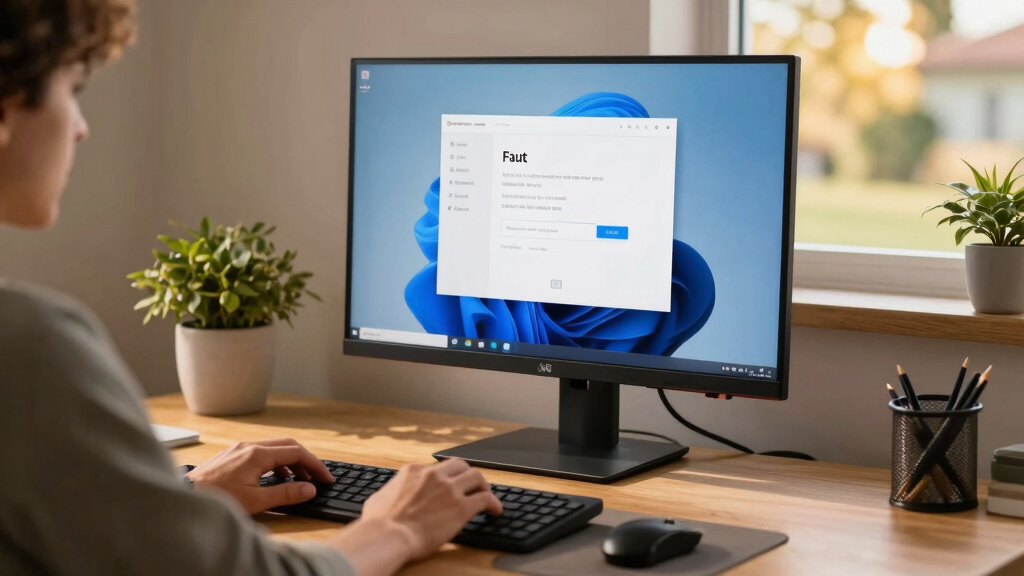
Windows 10 monitor firmware updater
As an affiliate, we earn on qualifying purchases.
As an affiliate, we earn on qualifying purchases.
Investigation and Potential Regulatory Review Pending
Further investigations by security researchers and consumer rights groups are expected to clarify the scope of this issue. LG may face regulatory scrutiny if the practice is found to violate transparency or privacy standards. Consumers are advised to monitor their device update settings and seek official guidance from LG.
In the coming weeks, LG’s official response and possible updates or patches are anticipated. Regulatory agencies could also examine the practice for compliance with data protection laws.
As an affiliate, we earn on qualifying purchases.
Key Questions
Can I prevent LG monitors from installing software via Windows Update?
Users can disable automatic driver and firmware updates in Windows Update settings or use device management tools to control updates. However, specific steps may vary depending on the monitor model and Windows version.
Is this practice unique to LG?
No, other manufacturers also use Windows Update for device firmware updates, but silent, unnotified installations are considered problematic and are under scrutiny.
Should I be worried about security risks?
Potential risks include unauthorized data collection or vulnerabilities introduced by unapproved software. Users should stay informed and consider controlling update settings until more details are available.
Has LG responded to these reports?
No official statement has been issued by LG as of now. The company has not confirmed or denied the practice publicly.
What can I do if I suspect my monitor installed software without my consent?
Check your Windows Update history, disable automatic updates if possible, and contact LG support for guidance. Monitoring network activity may also help identify unexpected data transfers.
Source: hn